


Le Bandit on Mobile: What Matters in the Interface
Le Bandit is built for HTML5 mobile play, but a phone screen changes how the player reads the game. The rules are the same as on desktop, yet the 6x5 grid, Golden Squares, small coin values and bonus messages take less visual space. A good mobile check is therefore about readability, touch accuracy, fullscreen behavior and control over session speed.
The 6x5 field on a small screen
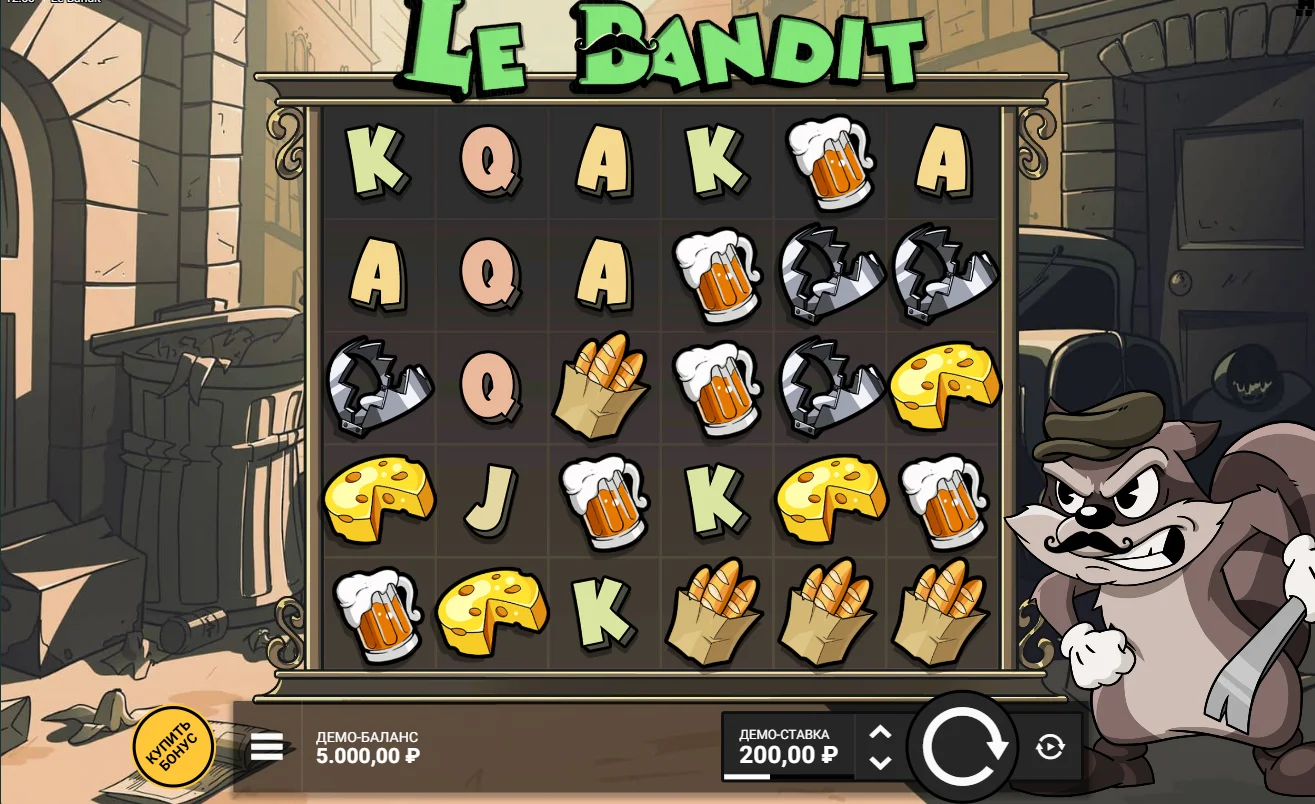
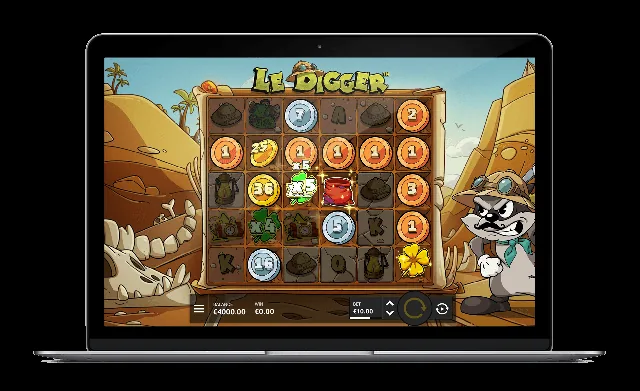
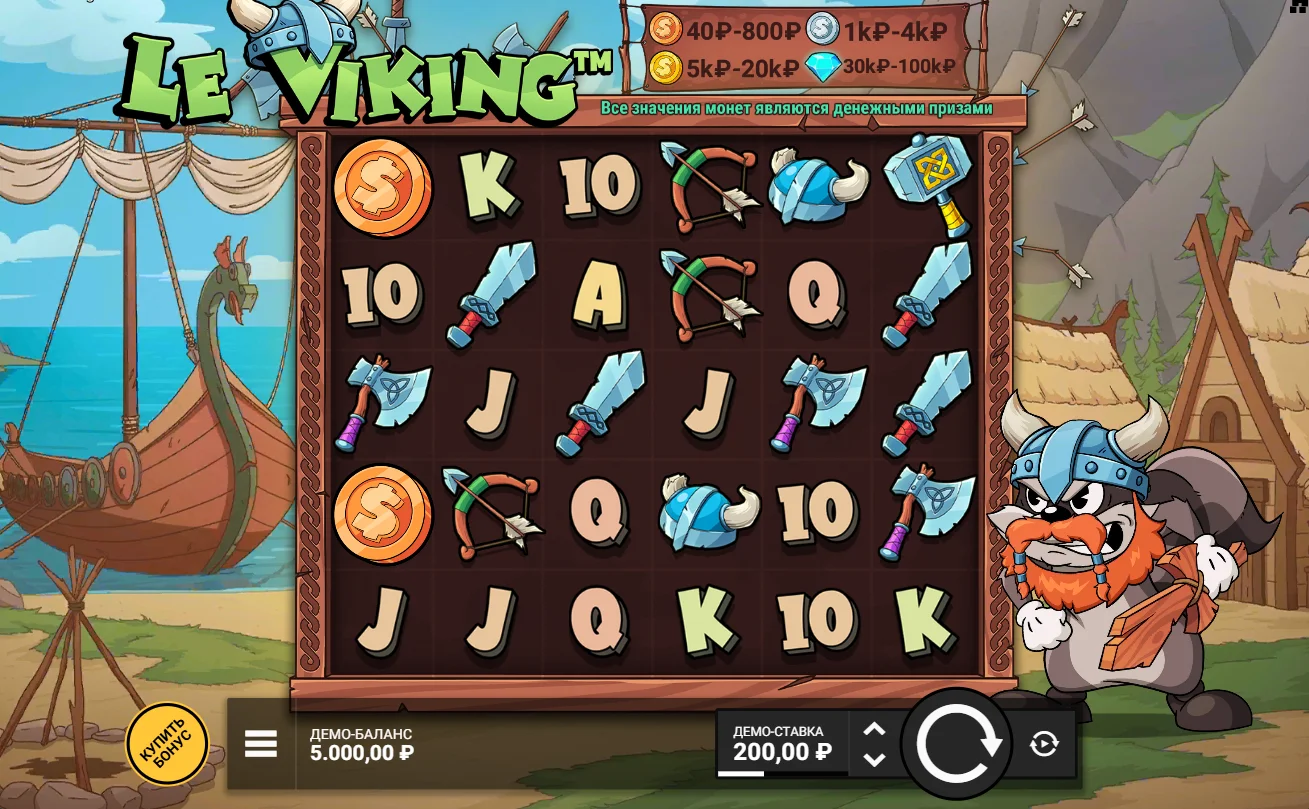
The 6x5 grid is central to Le Bandit because Super Cascades and Golden Squares depend on exact positions. On mobile, the player should be able to see which cells were part of a win, where new symbols dropped and which positions became golden. If the grid is too small to read without guessing, the feature sequence becomes harder to understand.
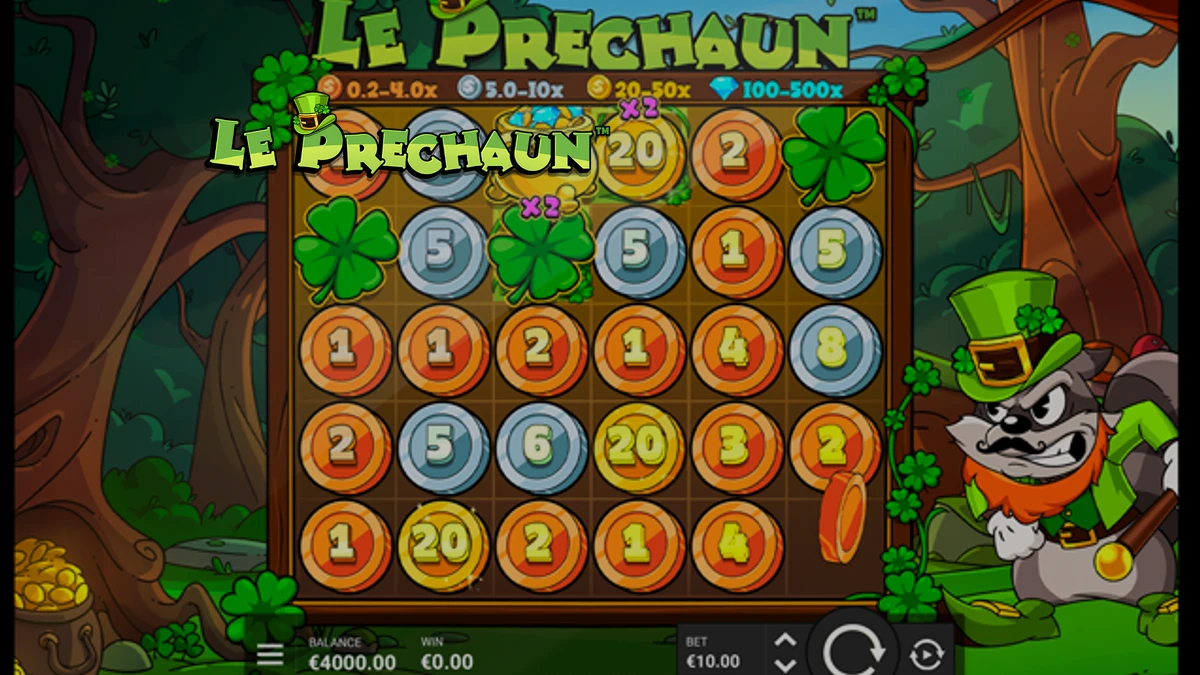
Coin values need special attention. A bronze, silver or gold coin can carry a multiplier value, and those values can later be affected by clovers or collected by Pots of Gold. If the numbers are unreadable, the final result may look arbitrary even when the game is following a clear order.
Fullscreen behavior
On this site, the game iframe may use a fullscreen interaction layer on mobile. The purpose is to make the first user gesture open the game cleanly and prevent the page itself from stealing scroll or touch input. After entering the game, the player should still be able to exit, rotate the screen if needed and return to the article text.
This layer does not change the game result. It is a usability control for the browser environment. The slot math, bonus triggers and RTP version remain defined by the launched game, not by the wrapper around it.
Stake controls
Touch controls can make accidental taps more likely. Before using any paid mode, check the current stake and the total price of the action. BonusHunt FeatureSpins cost 3x the normal stake per spin, and direct bonus purchases can cost much more than a single base spin. A small screen does not reduce the financial weight of the button.
Round history
Long Super Cascade chains can include several wins, Golden Square markings, Rainbow reveals, clover multipliers and Pot of Gold collections. If the animation moves quickly, round history is more useful than trying to memorize every event in real time. It helps reconstruct how the total was formed and whether a pot collected an already boosted value.
Portrait and landscape checks
Portrait mode is convenient for quick play, but landscape mode can make the grid and paytable easier to read. Test both orientations in demo mode. The best choice is the one that keeps stake controls clear, bonus text readable and the spin button away from accidental taps.
Mobile session safety
A phone makes the slot available almost anywhere, which can make sessions feel casual and unlimited. Set a time limit before opening Le Bandit, especially if you play with real money through an operator. Use the demo to learn the interface first, then decide whether the mobile format is comfortable enough for a controlled session.
Practical takeaway
Le Bandit works on mobile, but the player should actively check readability and control layout. The most important details are the 6x5 grid, Golden Squares, coin values, fullscreen entry, stake display and round history. If those elements are clear, mobile play is practical. If they are not, desktop mode is the better learning environment.
When to switch devices
If you cannot read coin values, paytable text or the current stake without strain, switch to a larger screen before continuing. Mobile convenience should not come at the cost of unclear decisions, especially when feature purchases or real-money stakes are involved.